Investigate a case with Simba
Review an existing case with Simba. Read the case summary, inspect Simba's analysis and response tasks, and ask a focused follow-up in chat. The visible result is a response beside the case evidence.
Before you start
You need:
- access to a Space with an existing case that contains Simba analysis and response tasks
- permission to view the case and open Simba chat
1. Read the case summary
Select a case from "Cases", then select "Overview". Read the "Summary", "What happened", and "Why this matters" sections before you inspect the individual analysis and response tasks.
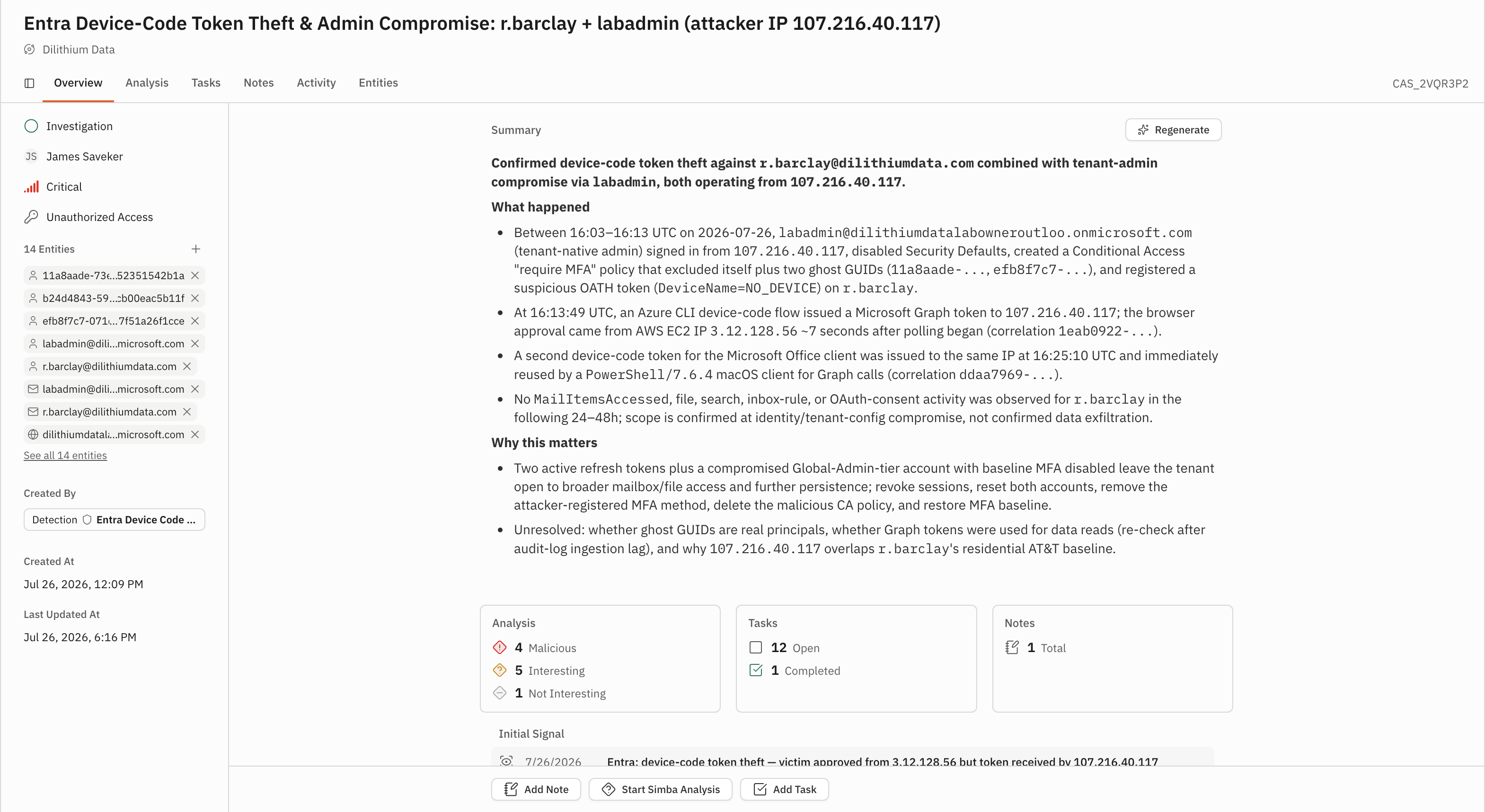
The "Analysis", "Tasks", and "Notes" cards show the work attached to the case. The initial signal appears below those cards.
2. Inspect Simba's analysis
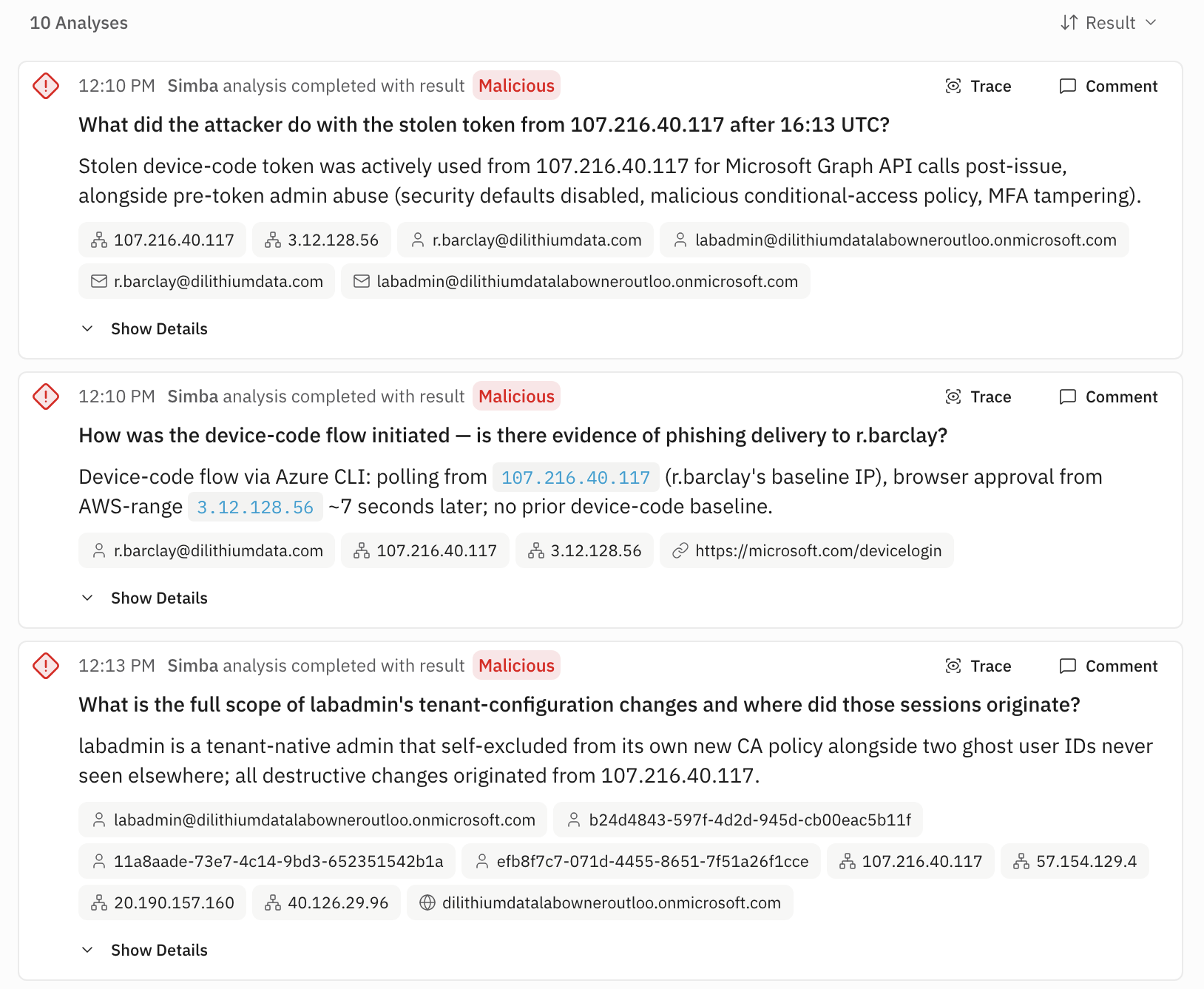
Select "Analysis". Each card shows the question Simba answered, its completion status and result, a response summary, and any extracted entities. Select "Show Details" to expand the full response. Select "Trace" when you need to inspect the analysis trace.
Compare each response with the case summary and evidence. Treat the response as an investigation aid that helps you decide what to examine next.
3. Review Simba's response tasks
Select "Tasks". Each response task names an action and can include a description, assignee, and status. Select "Show more" when a task has a longer description. Use the status labels "Open", "Completed", and "Dismissed" to distinguish pending, finished, and declined actions.
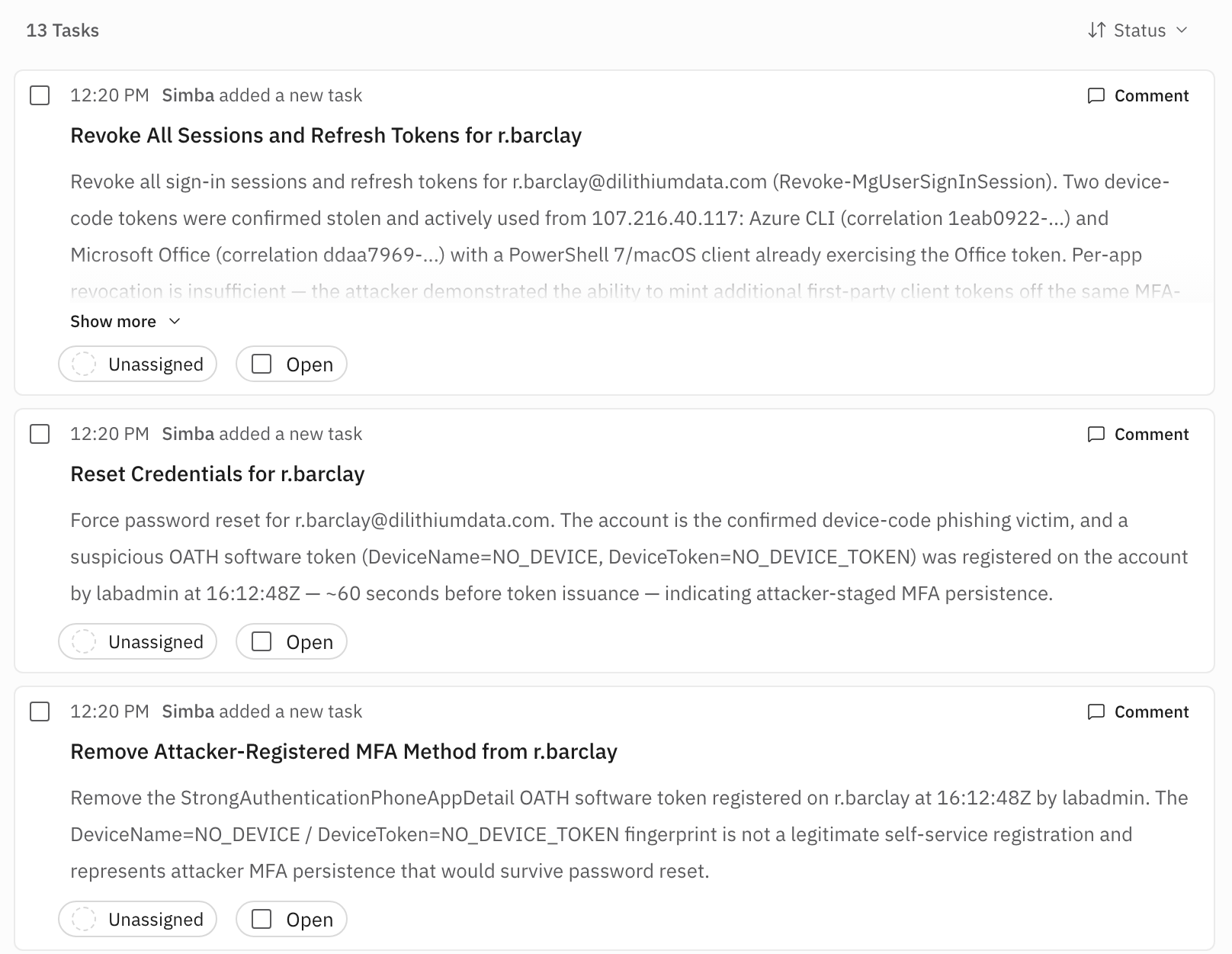
The task list turns analysis findings into concrete response work. Read the action and its evidence before changing its assignee or status.
4. Ask Simba a focused follow-up
Select "Toggle Simba chat" to open the Simba panel beside the case. Enter a question in "Write a message..." that follows from the summary, analysis, or response tasks. For example:
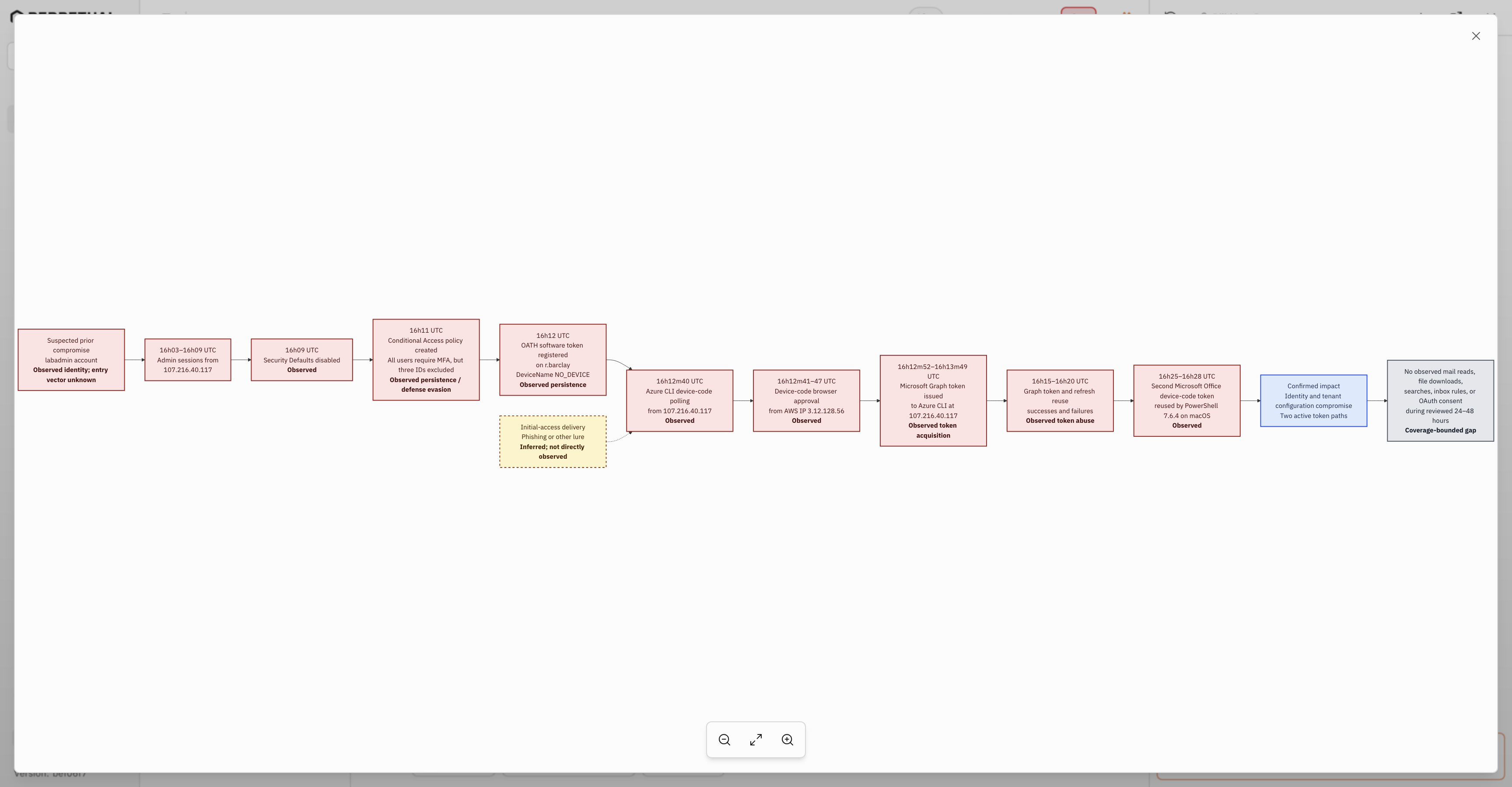
Generate an attack flow diagram for this case.
Select "Send". The attack-flow request is one example of a focused chat question. Ask about a different uncertainty when that better supports the investigation.
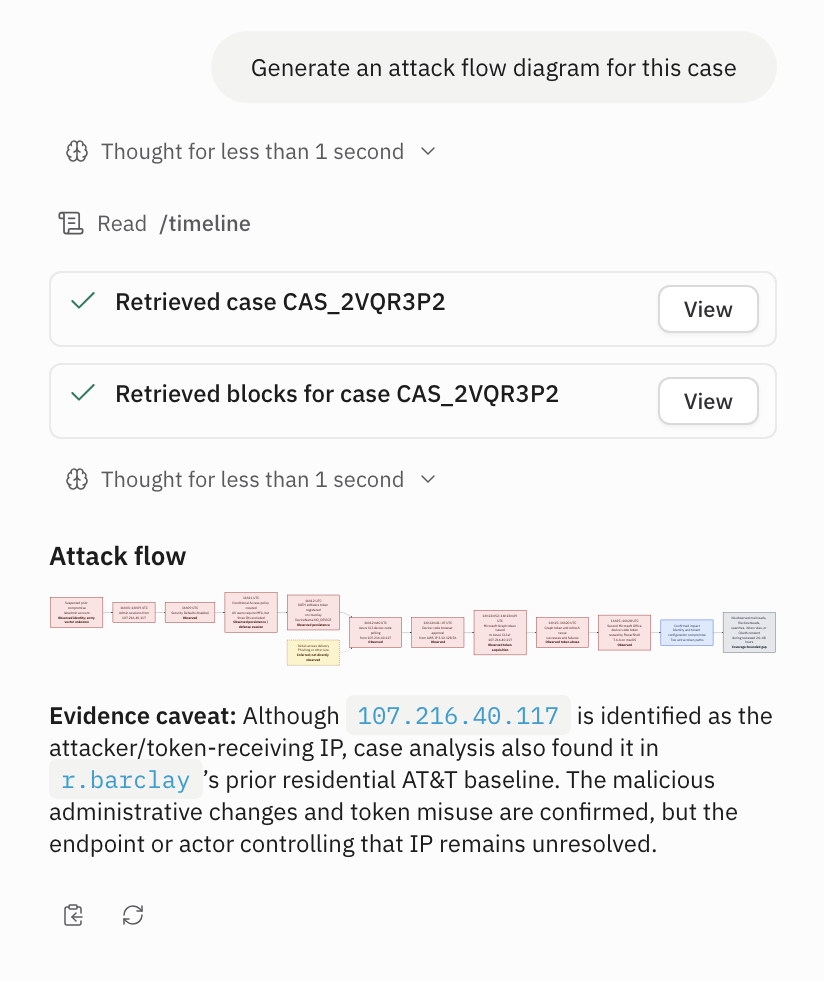
Compare the response with the case summary, analysis, and tasks. Repeat this check for other answers Simba returns in chat.