Ingest data over HTTP push
Create an HTTP Source connector and configure a sender to push events to its ingest endpoint. The connector supports an authorization header, a presigned URL, or an HMAC signature. After deployment completes, its status is "Deployed". A query can return posted events after the data plane accepts them.
Before you start
You need:
- permission to create connectors in the Space
- a sender that can make HTTP
POSTrequests - a data plane with HTTP Source ingest enabled for delivery
- a decision about which authentication mode the sender supports
1. Create the HTTP Source connector
In the left navigation, select "Datasets". Select "New Dataset", then select "Connector".
In "Create Connector":
-
Enter a reader-chosen source name in "Connector name".
-
Select "HTTP Source" under "Connector kind".
-
Select an option under "Authentication mode":
- "Auth header" sends an ingest token in the
Authorizationheader. - "Presigned URL" sends requests to a unique URL that includes the authentication material.
- "HMAC signature" verifies the
x-hub-signature-256header with an HMAC credential.
- "Auth header" sends an ingest token in the
-
Complete any fields required by the selected authentication mode.
-
Keep "Deploy" selected.
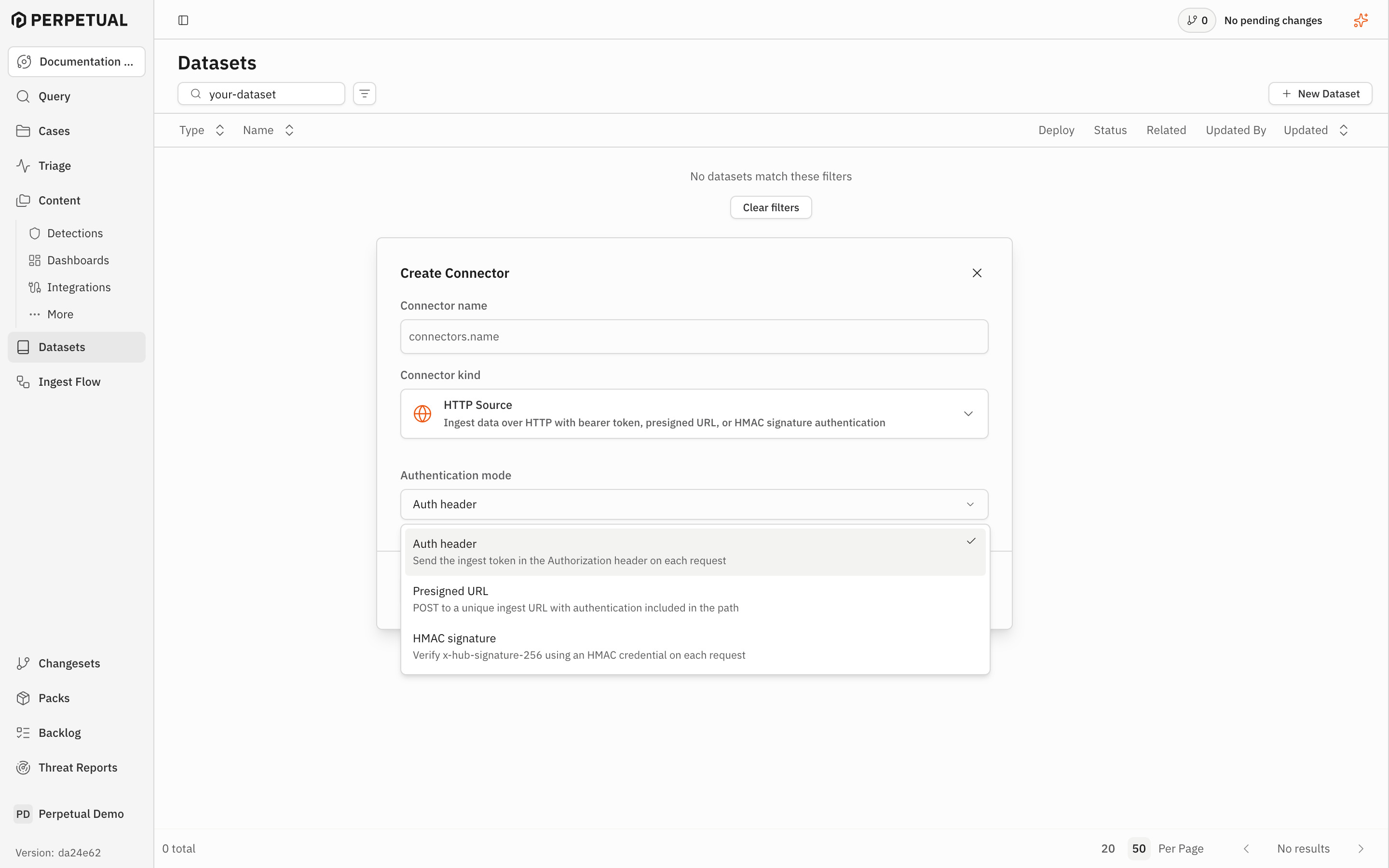
The connector form is valid and ready to save.
2. Configure the sender
Select "Save". The connector page opens with "Setup instructions". Open it to view the endpoint and the authentication material for the selected mode.
For "Auth header", copy the "Ingest URL" and "Bearer token" before closing the dialog. The ingest token is shown once. After you close the dialog, it is not shown again.
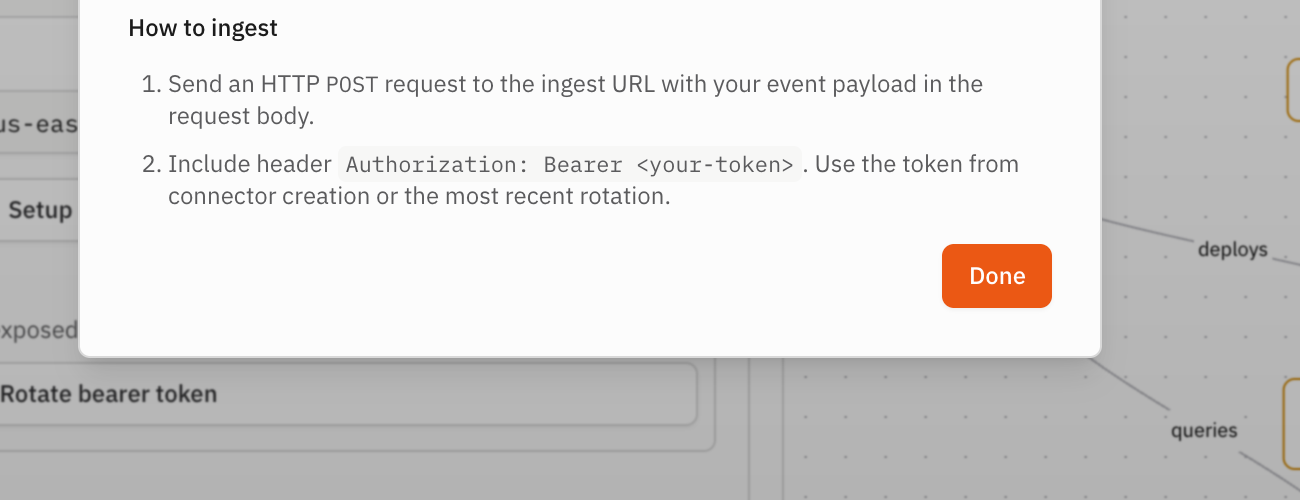
For "Presigned URL", copy the generated ingest URL and use it as the request
destination. For "HMAC signature", configure the sender to sign each request
with the selected HMAC credential and send the resulting
x-hub-signature-256 header.
Configure the sender to send each event payload in the body of an HTTP POST
request. Use the authentication format required by the selected mode. For
example, an authorization-header sender uses:
Authorization: Bearer <ingest-token>
Content-Type: application/json
Select "Done" when the sender has the endpoint and authentication details. The connector page opens with the change staged in the current changeset.
3. Commit the connector
On the connector page, select "Commit". In the "Commit Changeset" dialog, review the HTTP Source change, then select "Commit".
Keep "Deploy" selected. After you commit the changeset, the connector begins its asynchronous deployment. Wait for the status to change to "Deployed".
Verify the result
Send one event from your sender to the connector's endpoint. Use an event that contains the fields and payload shape that you plan to query or parse.
Select "Query" in the same Space and enter:
FROM connectors.<connector-name>
Replace <connector-name> with the value from "Connector name", then select
"Run". The result shows the event after the data plane accepts it.